Windows · LESSON 16
Research difficult passages with Hard Texts
Follow this procedure inside Exegis, pause after each action, and verify the result before moving forward.
What you will accomplish
Choose one dossier and summarize the difficulty, strongest evidence, leading alternative, and conclusion.
Use Exegis 1.15.26 or later, keep this lesson open beside the application, and preserve personal data before making installation or storage changes.
GUIDED VISUAL
Screen walkthrough
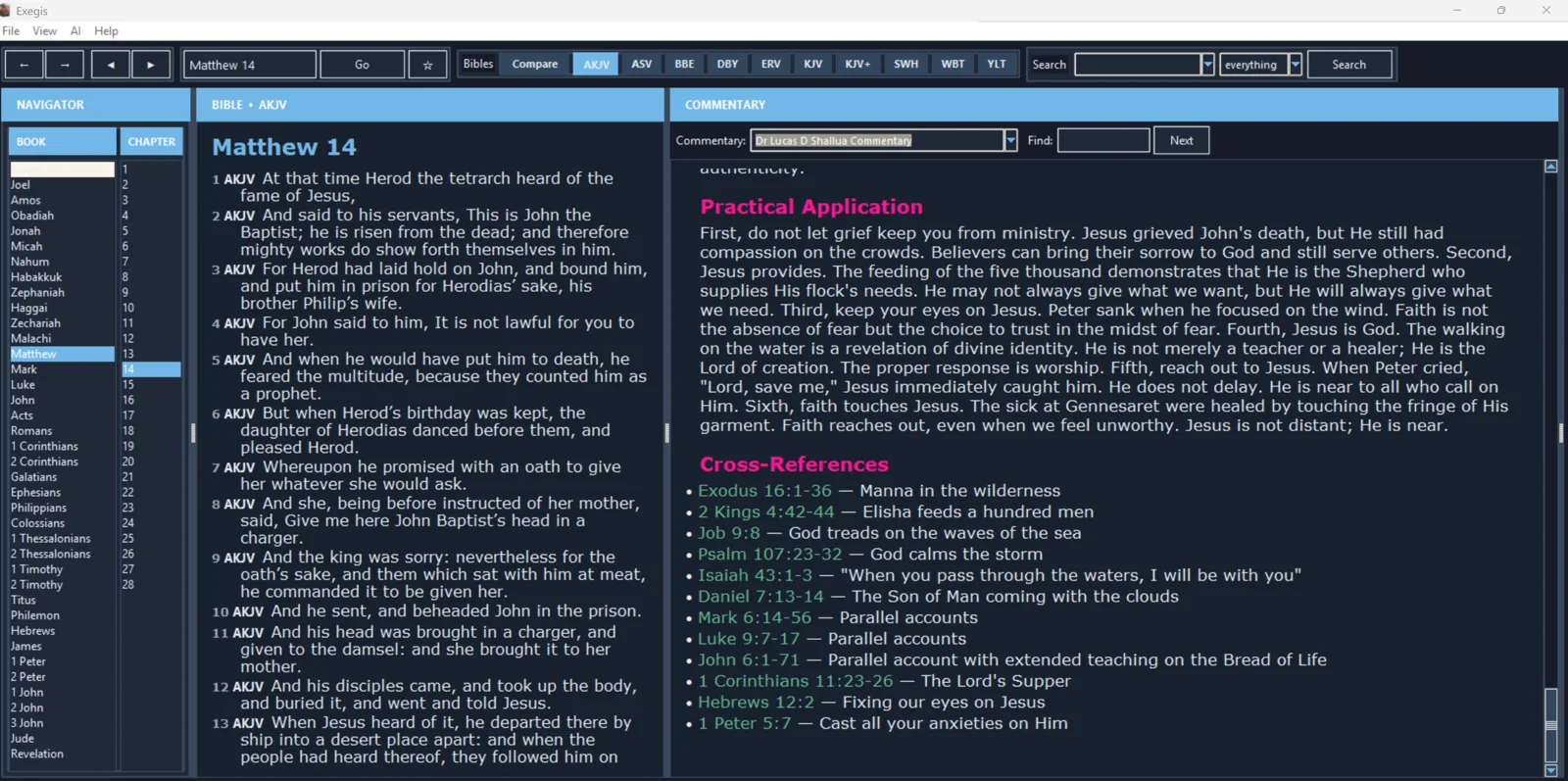
The lesson is recording-ready. The guided walkthrough uses the authentic screenshot and the exact narration sequence below; a recorded WebM/MP4 can be inserted here without changing the page.
FOLLOW IN ORDER
Detailed procedure
- 1
Open the Hard Texts Atlas from Exegis or the website and search by question, passage, category, or biblical book
Open the Hard Texts Atlas from Exegis or the website and search by question, passage, category, or biblical book.
- 2
Begin with the precise difficulty and relevant texts
Begin with the precise difficulty and relevant texts. Resist answering a simplified version of the objection.
- 3
Read the literary and historical context, translation issues, and major positions
Read the literary and historical context, translation issues, and major positions. Note the strengths and weaknesses given for each view.
- 4
Evaluate the Exegis conclusion and confidence level
Evaluate the Exegis conclusion and confidence level. Confidence should reflect the strength of the evidence rather than the importance of the topic.
- 5
Use the short answer for conversation, the pastoral answer for care, and the academic answer for detailed teaching
Use the short answer for conversation, the pastoral answer for care, and the academic answer for detailed teaching. Verify the annotated cross-references.
YOUR TURN
Practice assignment
Choose one dossier and summarize the difficulty, strongest evidence, leading alternative, and conclusion.
If the screen looks different
- Confirm that your installed Exegis version is 1.15.26 or later.
- Look for the same control inside the navigation menu when using a narrow window or phone.
- Confirm the active Bible, resource, passage, and theme before assuming content is missing.
- Restart Exegis after an installation or resource change, then repeat the last verified step.
- Use the official Contact page and include version, device, steps, expected result, and actual result.