Windows · LESSON 08
Search Scripture for words and phrases
Follow this procedure inside Exegis, pause after each action, and verify the result before moving forward.
What you will accomplish
Search for “kingdom of God,” open three results, and summarize how context shapes each occurrence.
Use Exegis 1.15.26 or later, keep this lesson open beside the application, and preserve personal data before making installation or storage changes.
GUIDED VISUAL
Screen walkthrough
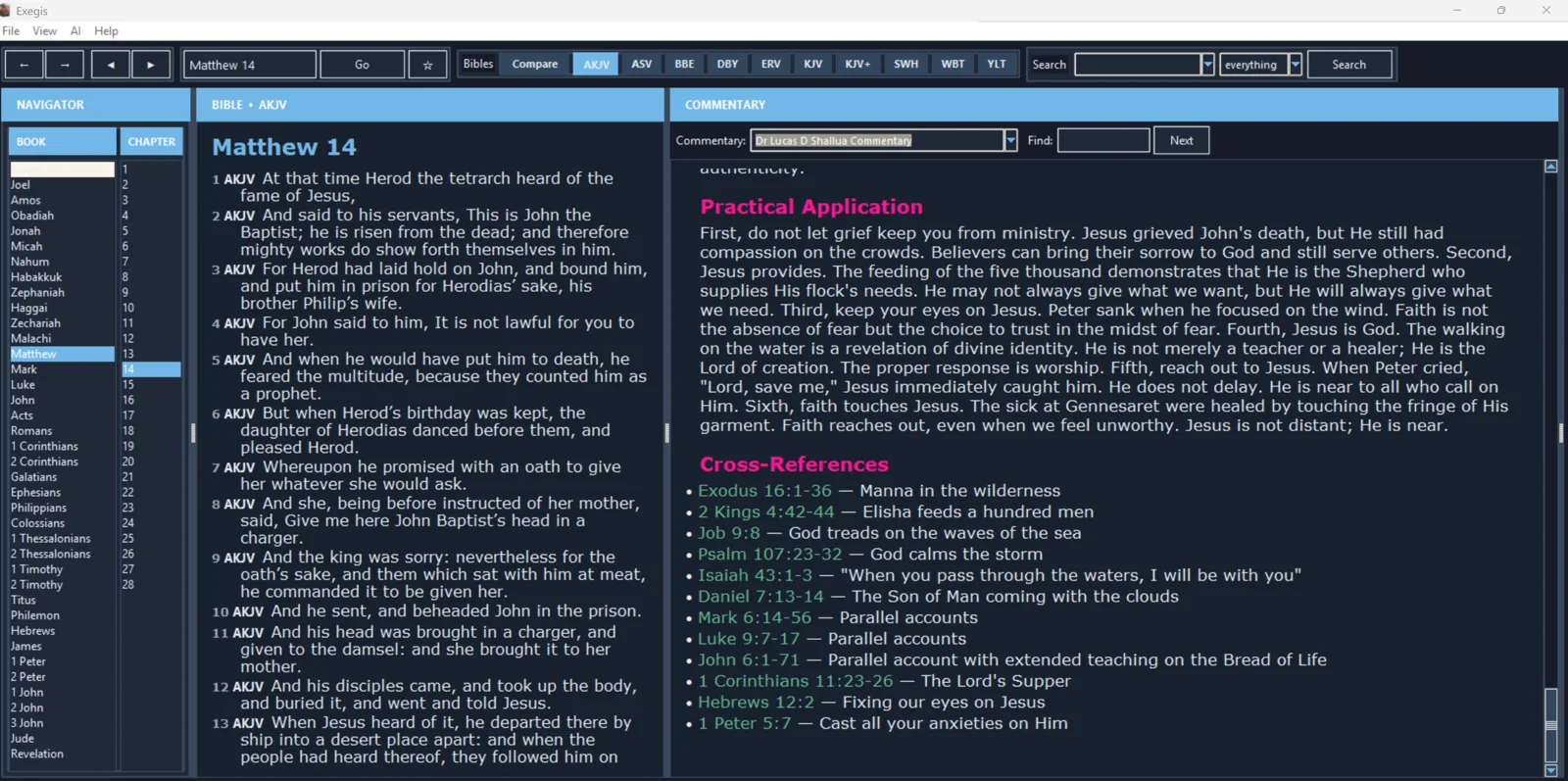
The lesson is recording-ready. The guided walkthrough uses the authentic screenshot and the exact narration sequence below; a recorded WebM/MP4 can be inserted here without changing the page.
FOLLOW IN ORDER
Detailed procedure
- 1
Open Bible Search and select the translation to search
Open Bible Search and select the translation to search. Search results belong to the wording of that translation.
- 2
Begin with a distinctive phrase in quotation marks when exact searching is available
Begin with a distinctive phrase in quotation marks when exact searching is available. If it returns nothing, shorten the phrase or search its key terms.
- 3
Review the number of results and their distribution across books
Review the number of results and their distribution across books. Frequency can guide investigation but does not determine meaning.
- 4
Open several results and read the entire paragraph around each occurrence
Open several results and read the entire paragraph around each occurrence. Record repeated ideas as well as important differences.
- 5
Refine broad searches by adding a second word or limiting the biblical range
Refine broad searches by adding a second word or limiting the biblical range. Save useful references in notes rather than relying on the results list.
YOUR TURN
Practice assignment
Search for “kingdom of God,” open three results, and summarize how context shapes each occurrence.
If the screen looks different
- Confirm that your installed Exegis version is 1.15.26 or later.
- Look for the same control inside the navigation menu when using a narrow window or phone.
- Confirm the active Bible, resource, passage, and theme before assuming content is missing.
- Restart Exegis after an installation or resource change, then repeat the last verified step.
- Use the official Contact page and include version, device, steps, expected result, and actual result.