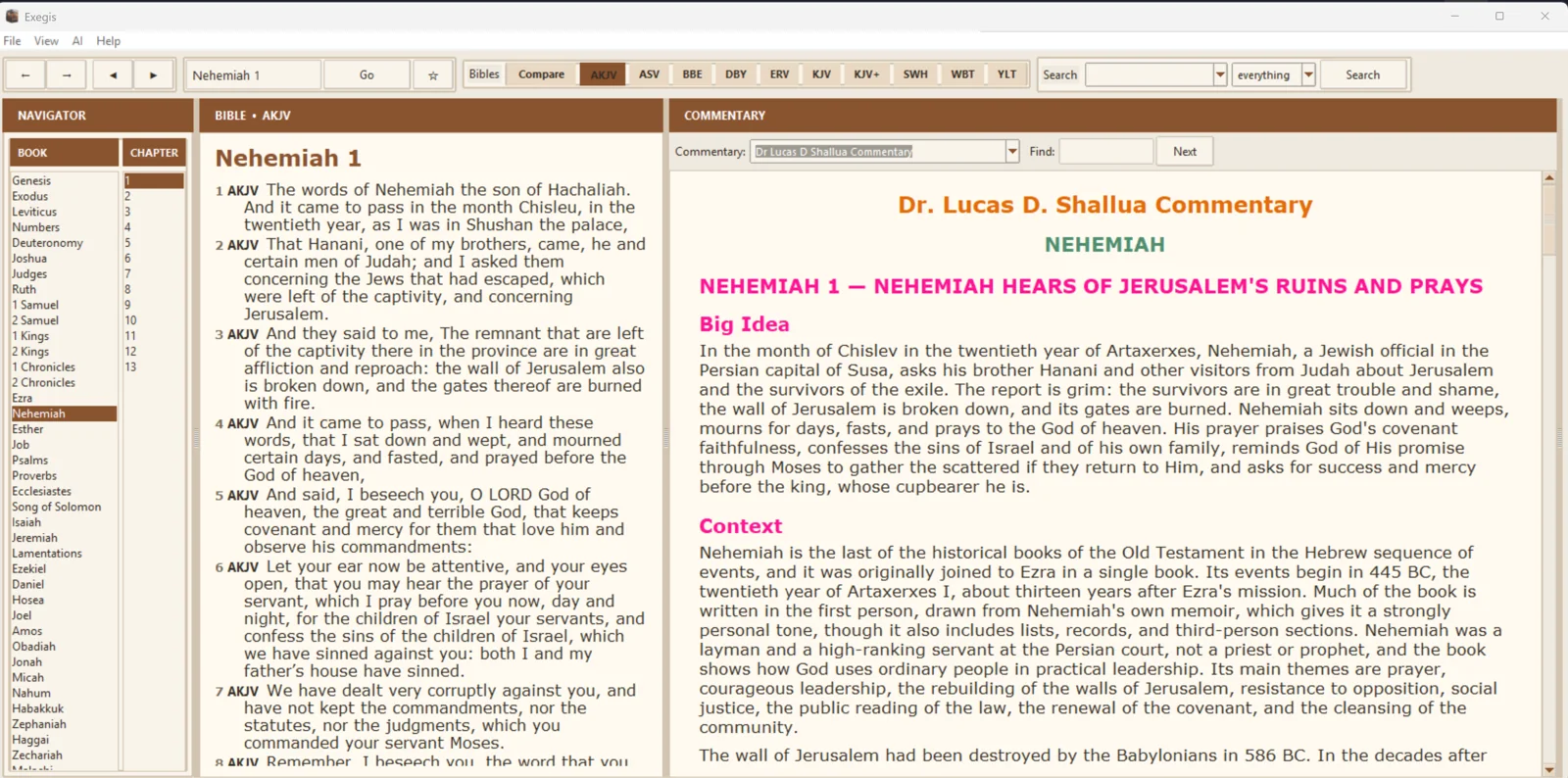
Bible text and commentary in one workspace
Exegis places the active Bible chapter beside the selected commentary on Windows. Moving to another passage updates the study context, while linked Scripture references let you open supporting verses in the active Bible. On Android, the commentary view follows the selected biblical passage in a focused mobile layout.
This arrangement is designed for verse-by-verse study, sermon preparation, teaching and personal reading. It reduces the need to switch among unrelated windows or websites while following an argument through a chapter.
Install the resources you want
The module system separates commentaries from the core application. Available resources can be downloaded independently and removed when they are no longer needed. Once installed, supported Bible and commentary content can be read locally; internet access remains necessary for new downloads, software updates and cloud-based AI services.
Readable commentary, useful links
- Commentary synchronized with the active Bible passage
- Full commentary names instead of unexplained abbreviations
- Formatted headings, paragraphs, lists and tables where supplied
- Scripture references linked back to the active Bible
- Light, dark and other reading themes
- Independent commentary-module installation and removal